

Shopify Search & Discovery: filters, search and recommendations
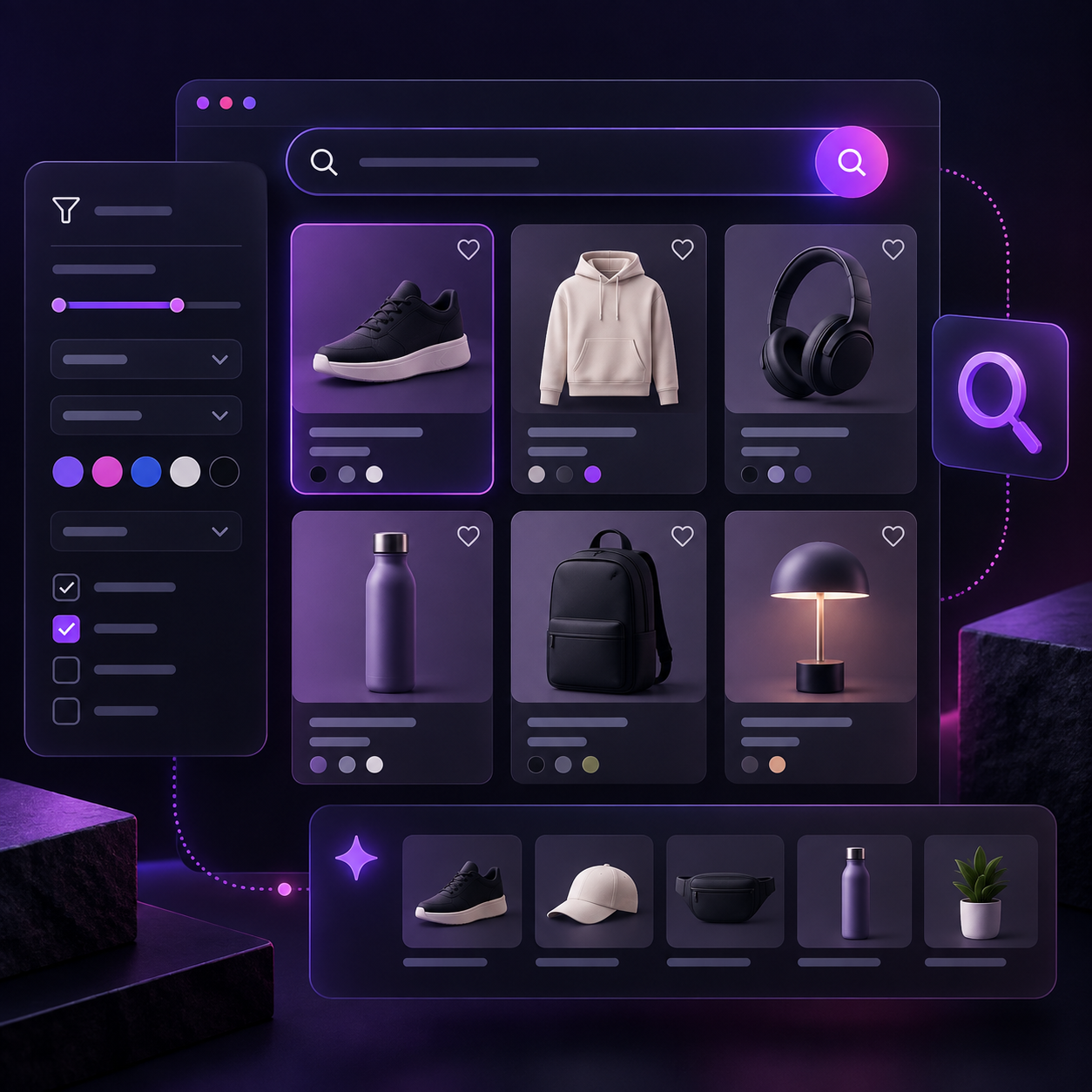
Shopify Search & Discovery is Shopify’s official app for managing how shoppers discover products in the storefront: collection and search-result filters, synonyms, product boosts, and related or complementary product recommendations. Before adding an external search solution, it is worth understanding how far this native layer can go and, above all, whether the catalog and theme are ready to use it properly.
The key point is simple: Search & Discovery does not replace good catalog architecture. It makes that architecture usable for shoppers. If tags, options, metafields, and categories are inconsistent, adding filters or synonyms can simply expose the disorder more clearly.
What Shopify Search & Discovery actually controls
The app works across three separate areas:
- Storefront filters: let shoppers narrow products on collection pages and in search results.
- Store search: lets you configure result types, create synonym groups, and apply product boosts for specific search terms.
- Product recommendations: lets you manage related and complementary products when the theme includes the corresponding sections.
Not everything depends on the app. Filters can be configured in Search & Discovery but still fail to appear if the theme does not support filtering. The same applies to recommendations: the product template needs a section or block capable of rendering them.
This distinction prevents a common mistake: configuring the backend correctly and then assuming “Search & Discovery does not work” when the real limitation is in the theme template or section.
Shopify filters: start with data, not the sidebar
Shopify supports both standard and custom filters. Current Shopify documentation states a maximum of 25 filters per store. Standard sources include availability, category, price, product type, tags, and vendor; custom filters can be based on product options, metafields, and metaobjects.
Being able to create many filters does not mean you should display all of them. A filter is useful when it maps to a real buying decision. In fashion, size, color, and material may matter; in a technical catalog, compatibility, power, dimensions, or use case may be more important.
A practical sequence is:
- define the attributes that genuinely help customers choose;
- normalize those attributes in the catalog;
- decide which ones should become filters;
- test the behavior on collections and search, especially on mobile.
If attributes are still scattered across free-form tags, descriptions, and inconsistent values, fix the data structure first. I cover that topic in more detail in the guide to complex Shopify catalogs with variants, metafields, Metaobjects, and Liquid.
For some filters based on tags, metafield lists, or metaobject references, Search & Discovery also lets you choose how selected values are combined: depending on the filter, the behavior can be “OR” or “AND.” This choice materially changes the experience. If a shopper selects “New” and “On sale,” for example, you need to decide whether products matching either condition or only products matching both should be shown.
Store search: synonyms and boosts solve different problems
Store search should not be treated as a miniature version of Google. The main job is still to keep product data clear and consistent; Search & Discovery then adds targeted controls on top.
Synonyms
Synonym groups are useful when different shoppers use genuinely equivalent words to look for the same product. Shopify treats the terms in the same group as equivalent matches for storefront search.
Shopify’s current documentation specifies clear limits: each synonym can contain up to 5 words, a group can contain up to 20 synonyms, and a store can have up to 1,000 synonyms in total. The same synonym cannot belong to multiple groups.
Do not use this feature to group loosely related concepts. “Men” and “boys,” for example, are not synonyms. A synonym map that is too broad can reduce relevance instead of improving it.
It is also useful to know what synonyms do not do: they are not applied to SKU or barcode matches, and they do not apply when a query uses search syntax. They affect the store’s own search, not rankings in external search engines.
Product boosts
Boosts solve a different problem: they move a specific product higher when a shopper uses selected search terms. Shopify allows up to 10 search terms for a product boost.
Boosts can be useful for merchandising and commercial priorities, but they should be used carefully. Shopify recommends applying them to one product or a small number of products for specific queries. If the ranking is forced too aggressively, more relevant results can be pushed down.
The boundary is clear here as well: product boosts affect online store search and do not change rankings on Google or other external search engines.
In practice: if the problem is “customers call this product something else,” use a synonym. If the problem is “for this query I want this item to appear more prominently,” a boost may make sense.
Recommendations: related and complementary products are not the same
Search & Discovery can control recommendations shown by the theme on product pages. Shopify distinguishes between related and complementary products.
Related products can come from Shopify-generated recommendations and can be combined with or replaced by manual selections depending on configuration. Complementary products are items intended to be added alongside the main product and can be selected manually.
Display still depends on the theme: the product template needs the appropriate sections or blocks. Product eligibility also matters. Shopify lists requirements such as publication to the Online Store channel, a compatible product status, a price above zero, and availability. Complementary products require inventory above zero; related products can behave differently when selling while out of stock is enabled.
This feature is useful for building a first layer of cross-sell without immediately adding another app. It should not be confused with an advanced personalization engine: if the project needs highly specific rules by segment, context, or behavior, a different architecture may be appropriate.
Use reports to decide what to fix
Search & Discovery includes reports for search and recommendation performance. One of the most useful signals is search queries that return no results: before creating synonyms based on intuition, start with what shoppers are actually searching for.
There is an important detail in the current documentation: search-performance reports cover activity on the search-results page but do not include interactions with predictive search. When reading the data, you need to know which part of the journey is actually being measured.
When Search & Discovery is enough
For a standard Shopify storefront, Search & Discovery is often the first layer to configure before introducing more complex tools. It is especially suitable when:
- the catalog has structured, consistent attributes;
- you need clear filters on collections and search results;
- search issues can be addressed with targeted synonyms and a limited number of boosts;
- the required product recommendations fit the theme’s available sections;
- you want to keep the app stack lean by using functionality Shopify already provides.
If you are cleaning up the tech stack, see also my article on when a Shopify store has too many apps and when it makes sense to replace them.
When to consider a dedicated solution or custom development
Moving to an external solution should not start with “what is the best search app?” It should start with a requirement that Search & Discovery does not cover well enough for the specific project.
It may make sense to evaluate another solution when you need, for example, much more complex merchandising rules, different rankings by customer segment, external data sources to index, heavily customized search interfaces, or personalization logic that goes beyond synonyms, boosts, and standard recommendations.
These are not automatically “absolute Shopify limitations.” They are architecture criteria. First define the required experience, then verify whether the native layer covers it; only after that add an app or custom code.
Practical checklist before putting Search & Discovery into production
- Verify that the theme supports filters and recommendation sections.
- Normalize options, metafields, categories, and values used as filter sources.
- Enable only filters that support real customer decisions.
- Test filter combinations on desktop and mobile.
- Review no-result searches before creating synonym groups.
- Use boosts only for precise queries and a limited number of products.
- Check related and complementary products across different inventory and product-status scenarios.
- Test predictive search separately from the search-results page.
- Measure after launch and fix catalog data before adding more apps.
Catalog structure remains the priority
Search & Discovery works best when treated as a presentation and merchandising layer on top of already organized data. The advantage is not “having more filters”; it is making the right product easier to find without adding unnecessary complexity.
Start with the catalog and theme, then configure filters, search, and recommendations, and only at the end decide whether anything is still missing. This approach is easier to maintain and makes it clearer why an external solution may eventually be justified.
Official Shopify sources consulted
- Adding filters with Shopify Search & Discovery
- Customizing search with Shopify Search & Discovery
- Product recommendations with Shopify Search & Discovery
- Search & Discovery reports and analytics
Article updated using Shopify documentation available on September 16, 2026.


